# How To Lend On Ion

## Depositing

***

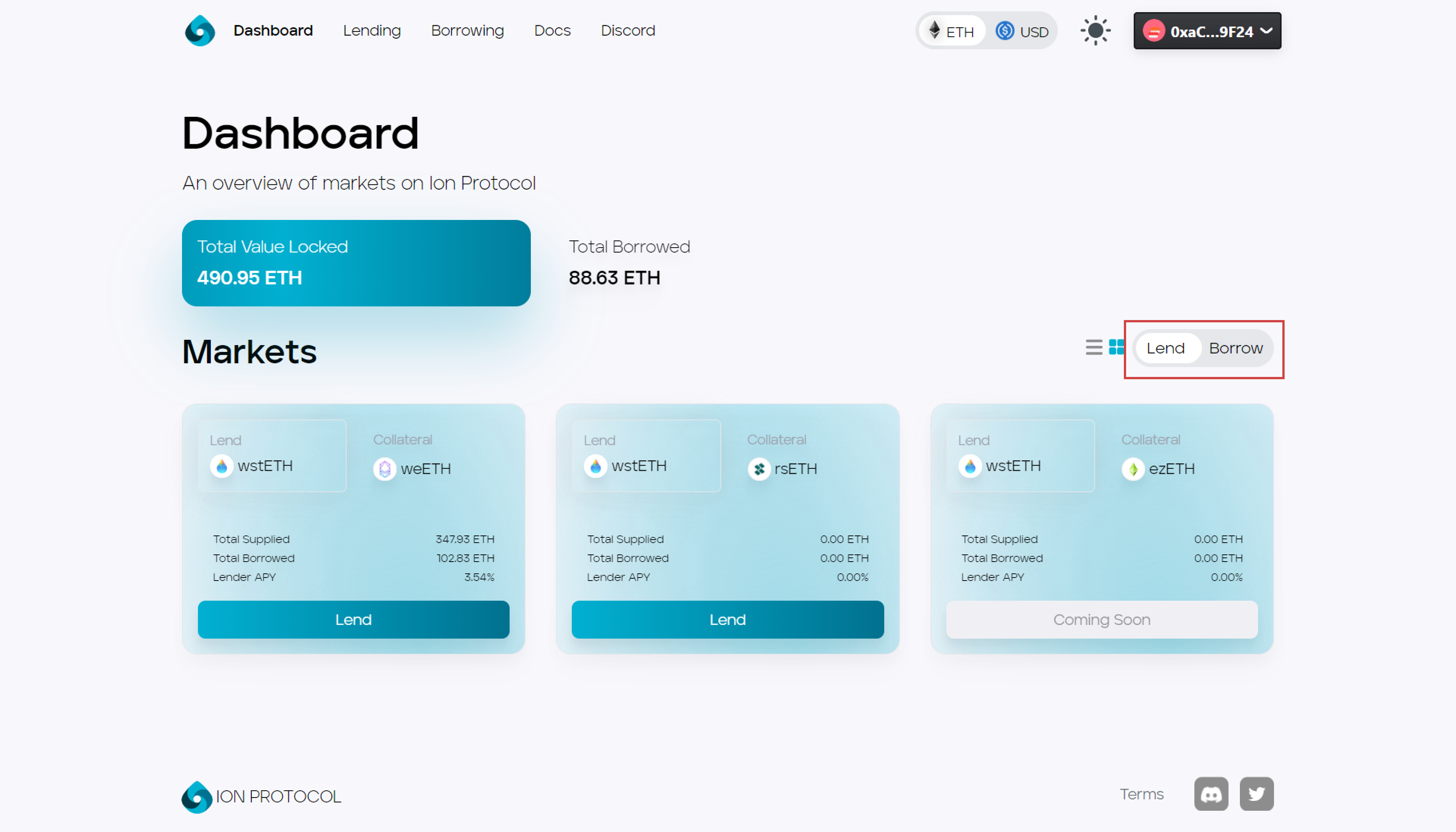
### 1. Select lend

<figure><img src="https://3731798232-files.gitbook.io/~/files/v0/b/gitbook-x-prod.appspot.com/o/spaces%2F3XZ3X4exnoWFtPuuXaPM%2Fuploads%2FARLAk9j4W17XlSRv90zD%2Fimage.png?alt=media&#x26;token=7eba8b5f-d15c-46ad-984d-e7ee952ec8d2" alt=""><figcaption></figcaption></figure>

### 2. Select a market

<figure><img src="https://3731798232-files.gitbook.io/~/files/v0/b/gitbook-x-prod.appspot.com/o/spaces%2F3XZ3X4exnoWFtPuuXaPM%2Fuploads%2FhTxfk24L2lRJUgrbTfH4%2Fimage.png?alt=media&#x26;token=6ddc0968-f2ff-46f1-b3da-008cd7194740" alt=""><figcaption></figcaption></figure>

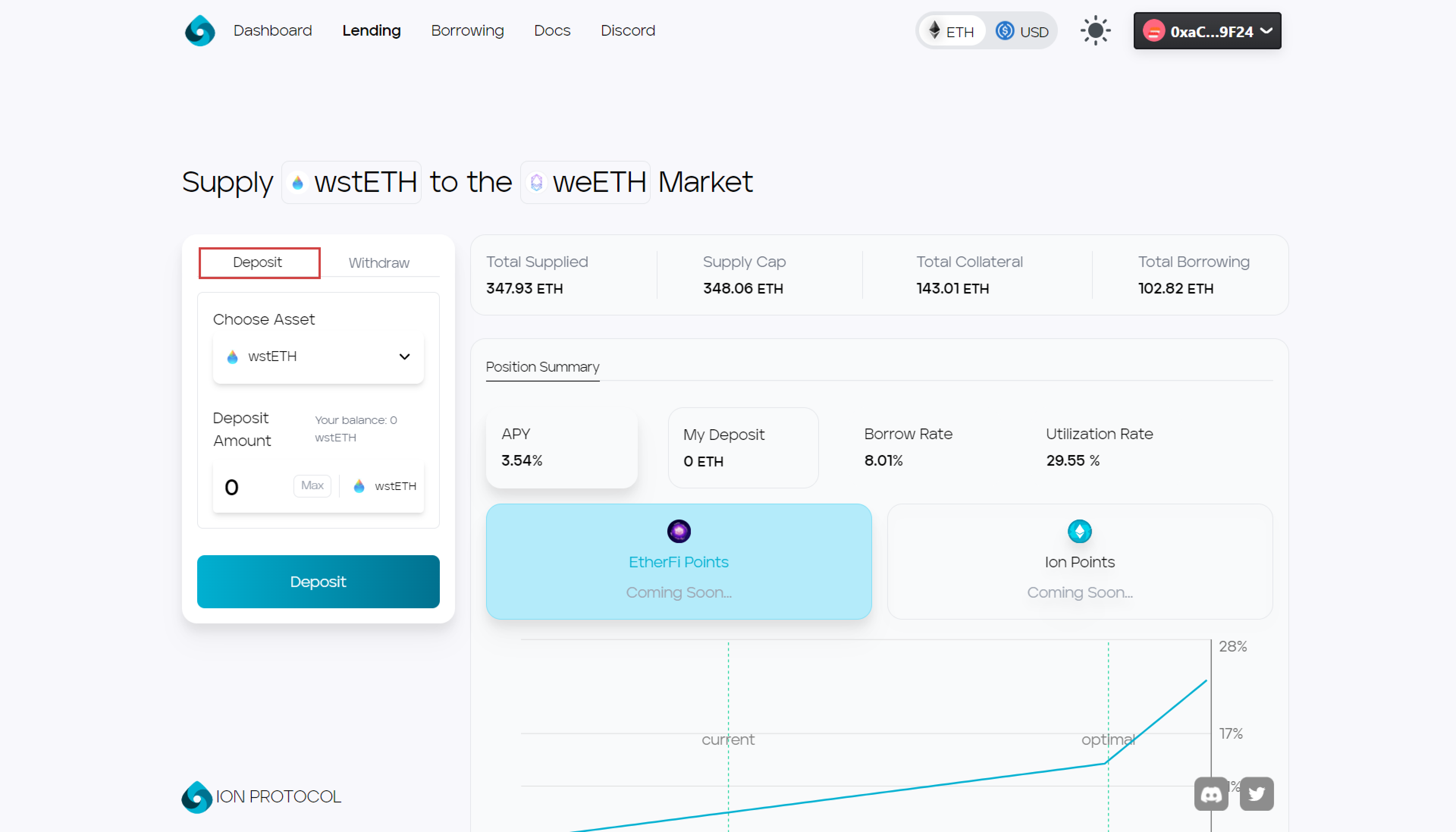
### 3. Select deposit

<figure><img src="https://3731798232-files.gitbook.io/~/files/v0/b/gitbook-x-prod.appspot.com/o/spaces%2F3XZ3X4exnoWFtPuuXaPM%2Fuploads%2F8AraQLe24pctbAxSA5Vy%2Fimage.png?alt=media&#x26;token=d0aac8e4-dc9d-4936-aa0c-6ce3545cf2c3" alt=""><figcaption></figcaption></figure>

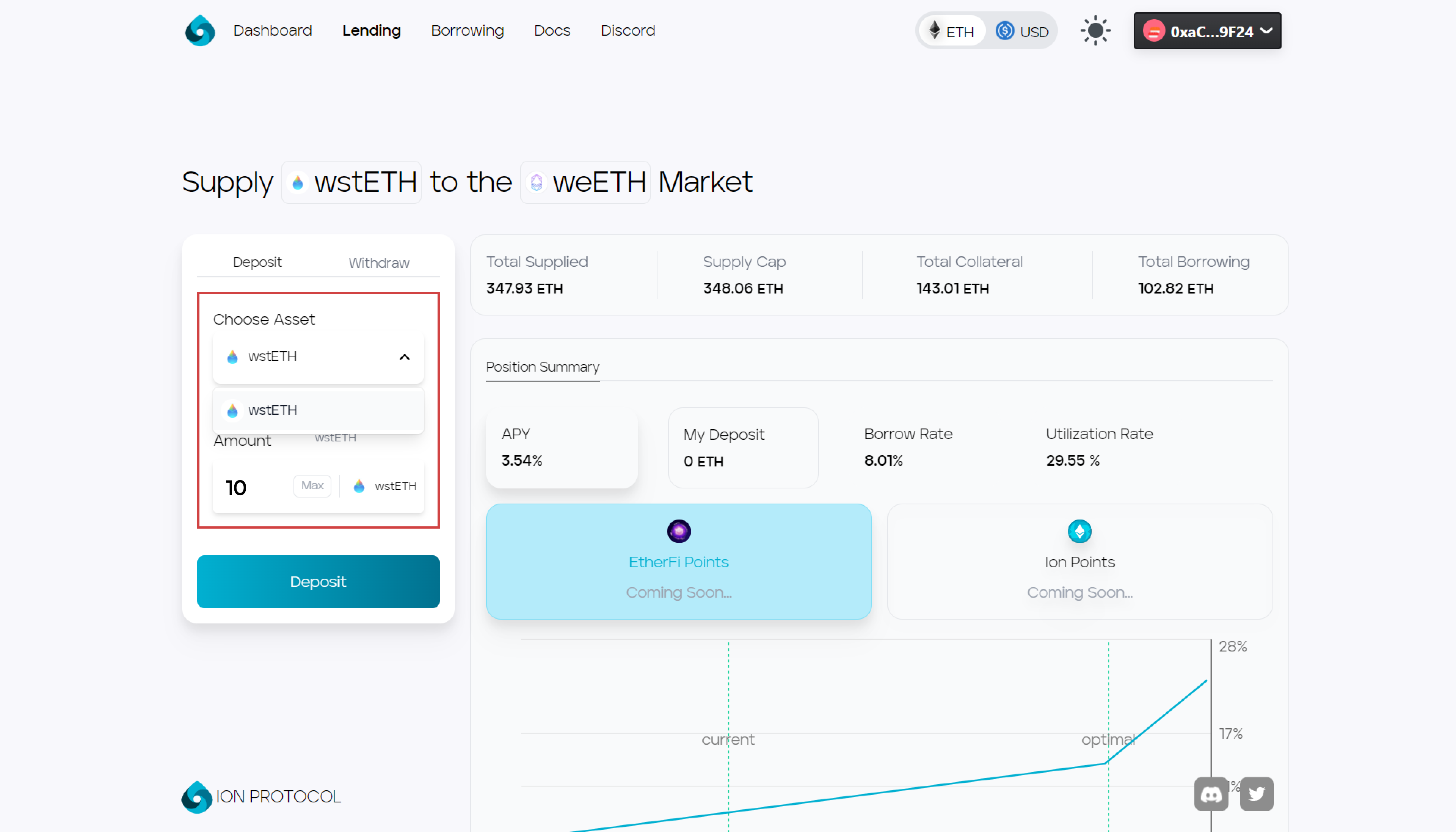
### 4. Enter the amount to supply and press the deposit button

<figure><img src="https://3731798232-files.gitbook.io/~/files/v0/b/gitbook-x-prod.appspot.com/o/spaces%2F3XZ3X4exnoWFtPuuXaPM%2Fuploads%2FvEQMt1IkbTAMZXhyObrI%2Fimage.png?alt=media&#x26;token=c688c4d4-5dab-4083-b83d-ad8db5be49a2" alt=""><figcaption></figcaption></figure>

## Withdrawing

***

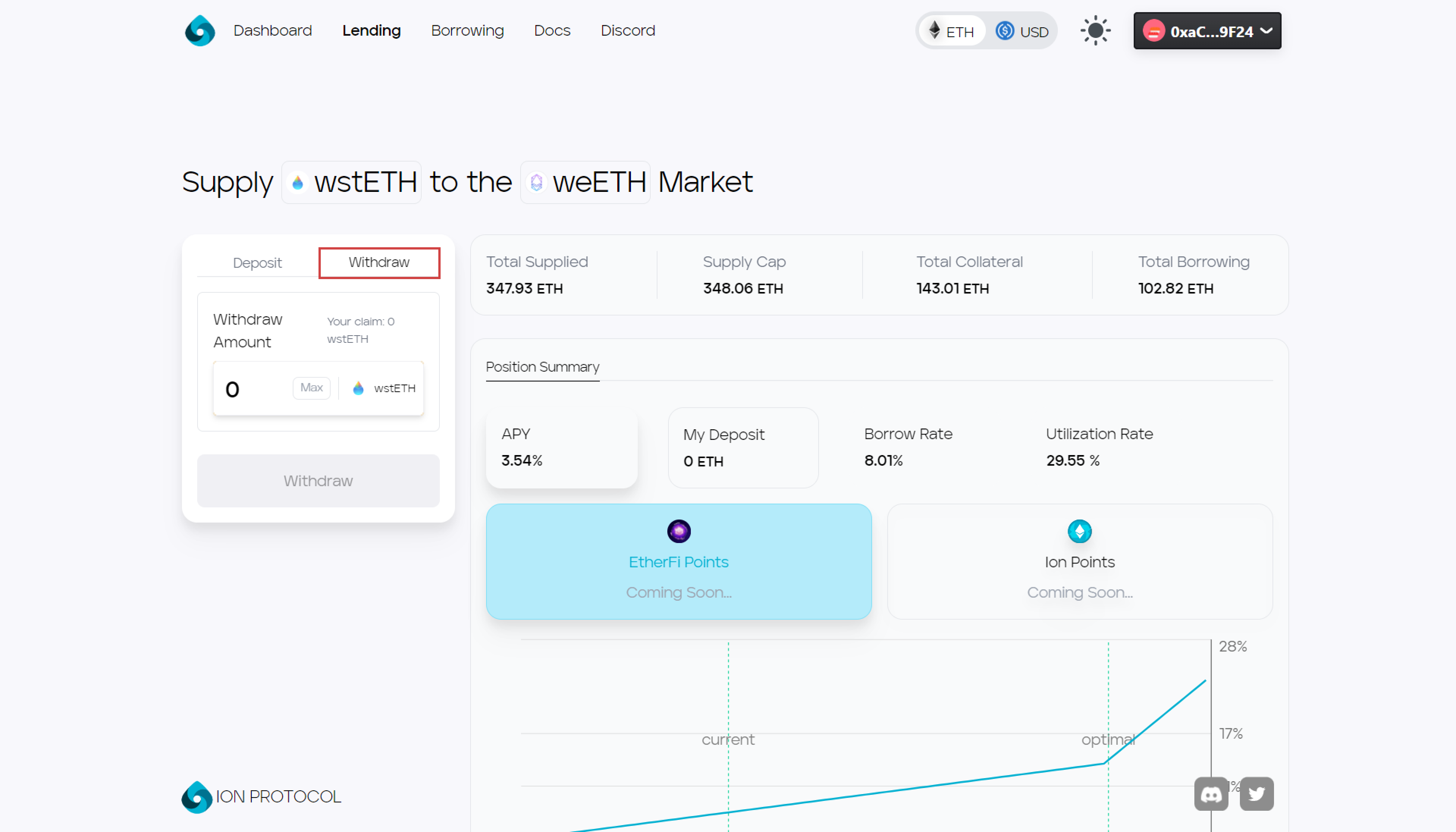
### 1. Select withdraw&#x20;

<figure><img src="https://3731798232-files.gitbook.io/~/files/v0/b/gitbook-x-prod.appspot.com/o/spaces%2F3XZ3X4exnoWFtPuuXaPM%2Fuploads%2FGUbv1PRDDiZ5lV6fOkHk%2Fimage.png?alt=media&#x26;token=9acb41b7-4dce-44bf-9266-3f705a11e111" alt=""><figcaption></figcaption></figure>

## 2. Enter the amount to withdraw and press the withdraw button
<figure><img src="https://3731798232-files.gitbook.io/~/files/v0/b/gitbook-x-prod.appspot.com/o/spaces%2F3XZ3X4exnoWFtPuuXaPM%2Fuploads%2FO2gCIC2HRQnq5d9QvPOc%2Fimage.png?alt=media&#x26;token=4c4779c5-b073-47dc-8a46-b5e2b83b9717" alt=""><figcaption></figcaption></figure>